Accessibility statement from the producer

As producer of the Talking Jobs resource I am committed to ensuring that this website is accessible to everyone. As new ideas and functions are incorporated, the need to make sure the site is as accessible as possible can only grow as well.

If you have any questions or suggestions regarding the accessibility of this site, please make contact as I am continually striving to improve the experience for all site visitors.

Andrew Manson

Key improvements to the Talking Jobs Player

The 2010 re-launch of the Talking Jobs player includes full subtitling of the video archive. In addition, all core player functions have been mapped to the keyboard with user prompts in the tooltips.

Access keys on standard web pages

Use the TAB key to cycle through the navigation options and text fields on the order form
Use the UP and DOWN arrows to move through drop-list options
Use the ENTER key to activate selections made including launching the player

Text resizing on standard web pages

Web page content can be resized using the following controls:
PC / Internet Explorer 6 From the top menu bar, select View and point to Text size
PC / Internet Explorer 7 From the menu bar underneath the search field, select Page and point to Text size
PC / other browsers Increase text size: Hold down the CTRL key and press + Decrease text size: Hold down the CTRL key and press –
Mac / all browsers Increase text size: Hold down the Command key and press + Decrease text size: Hold down the Command key and press -

Keyboard controls for the Talking Jobs Video Player

Navigation
Move the carousel left/right one place: ← or →
Move to the question above/below: ↑ or ↓

Video playback
Play pause current clip: Spacebar
Play new clip:Return key
Rewind current clip: R
Subtitles (on and off toggle): S
Volume control: V and + or -
Full screen (on and off toggle): F

Features
Show or hide the information panels: I
Show or hide the snapshots: A
Bookmark a clip (add to playlist): B
Print transcripts of bookmarked clips: P
Show or hide Help panels: H (and then TAB to toggle through all 3 panels)

Accessibility testing

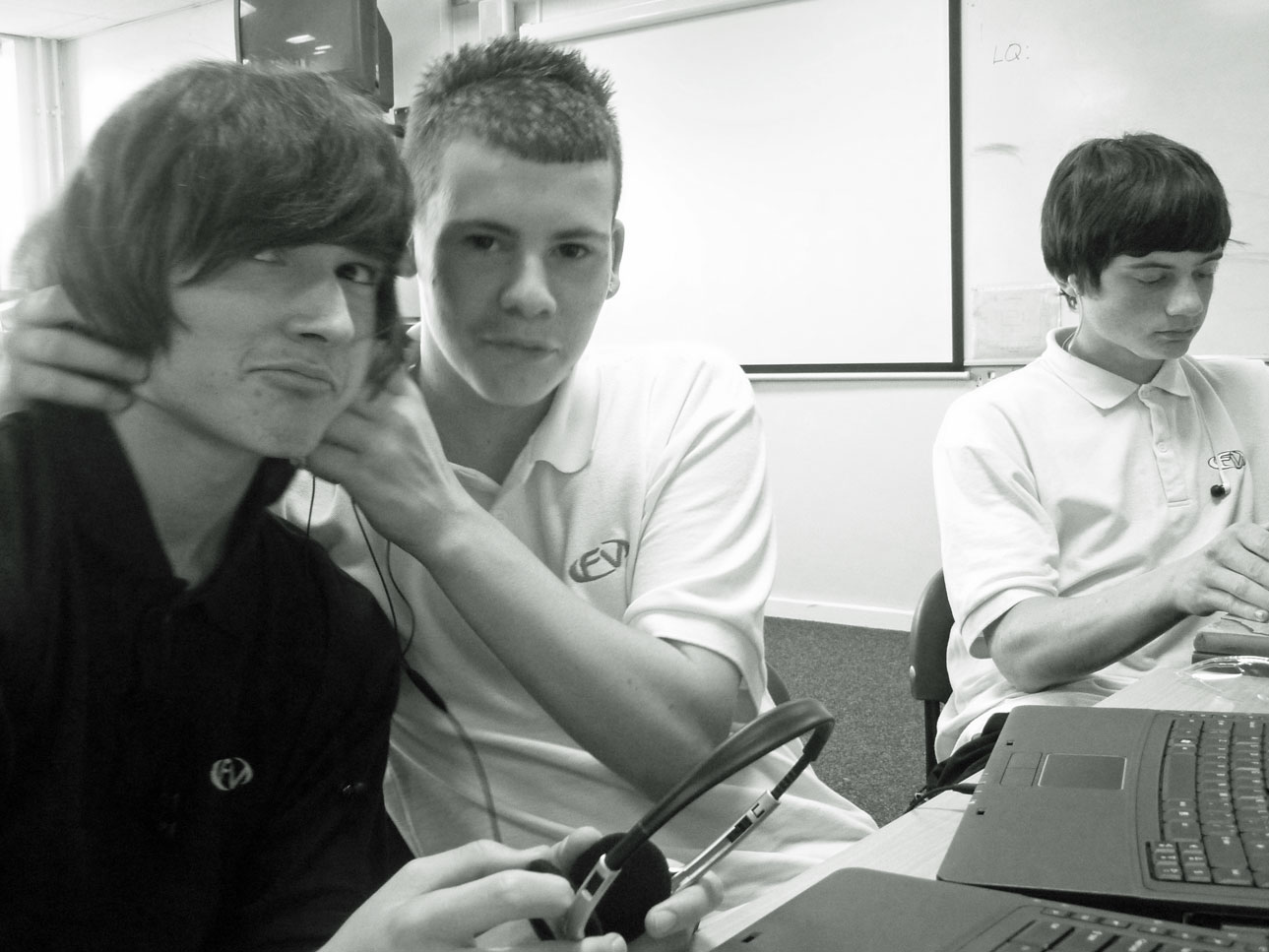
The producer would like to thank all those involved in recent user and accessibility testing at Triangle. Testing was with 9 young people between the ages of 9-27 over a three week period. Five were deaf or disabled, including visual impairment, hearing impairment, cerebral palsy, and learning difficulties. Most of the young people met in two separate groups to review the website, others did individual evaluations. All young people who took part had direct access to the Talking Jobs website during its testing phase. All were asked to provide open, honest feedback about ways to improve the website. As a result of the accessibility comments made the following changes were made:

  • The player interface was made larger overall
  • Tooltips were added to every key function on the player
  • Each tooltips now shows the keyboard control in brackets
  • The question text was increased to the maximum afforded by the design
  • The subtitling text was size was increased and background layer darkened
  • The information panel text size was increased
  • A full screen command was added to the keyboard controls
  • Overall, the test comments were many and various moving far beyond accessibility issues alone. All comments, both positive and negative, have been extremely helpful - seeding many ideas about how the site needs to be developed in the future.

    Talking Jobs Logo

    Sign up to the
    mailing list!

    Sign up to the Talking Jobs mailing list to be notified of significant changes to the service.


    -